Generate more inbound leads with Contact Button
Empower client interactions, consulting inquiries, and appointment bookings at your consulting firm with our vibrant contact button widget. Engineered to infuse joy into consulting processes and elevate client satisfaction to a new level.
- 14-day free trial
- No credit card required
- Cancel anytime
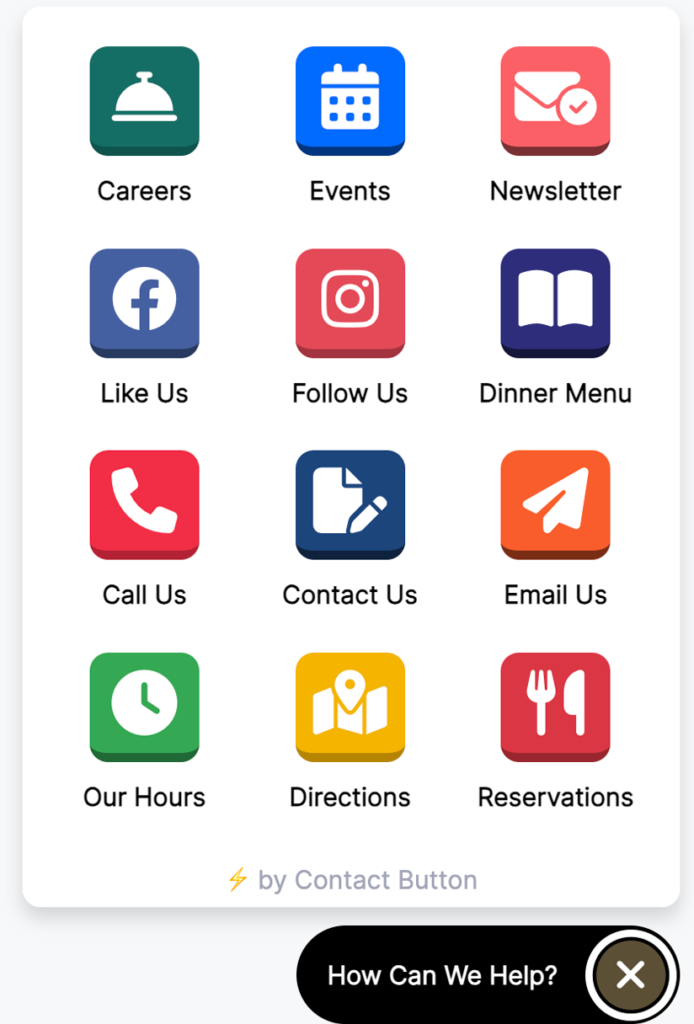
Why your consulting business needs a Contact Button
In today’s competitive consulting industry, building and engaging your online customer base is vital. Our all-in-one website widget focuses on generating more leads and getting your prospects the information they need when they’re researching your business.
Learn more
Advance Booking
Facilitate advanced booking of consulting sessions through the contact button, ensuring clients secure preferred meeting times and enhancing operational efficiency.
Menu Functionality
Incorporate a menu function within the contact button to showcase consultant services and offerings, simplifying customer navigation and enhancing service visibility.
Lead Generation
Our widget is optimized to capture more leads for your business. With user-friendly contact forms and engagement-focused features, you’ll build a valuable database of potential customers.
Mobile-Friendly Design
In an era where most searches are done on mobile devices, our widget is fully responsive, ensuring your website looks and functions perfectly on smartphones and tablets.
Add a new Contact Button to your Restaurant or Café Website in 5 Easy Steps
Most Contact Button’s can be setup in less than 15 minutes. If you need any help, we offer free onboarding sessions for new users.
Want to see how easy it is for yourself before you sign up? Click the button below to check out our installation guide.
1
Sign up for an account
2
Design your first button
3
Add apps to your button
4
Create contact forms & lists
5
Install the button on your site
Choose From 15 Widget Apps
We’ve created a simple app for nearly any contact related use case that happens on a website. Many apps can be modified and used multiple times in the same button, like our “Social Links” app that helps you create a direct links to the most popular online social networks.
HTML Embed
Insert 3rd party code or iframes inside your contact button menu.
Contact Forms
Create custom forms to display inside your contact button menu.
Email Subscriptions
Automatically add visitor email info to your preferred mailing list
Reservations & Bookings
Embed the booking screens of popular appointment software.
Lists & Menus
Great for restaurant menus, product catalogs, and job boards.
Images & PDFs
Display an image, QR code or PDF file in the button menu.
Business Hours
Display your daily operating hours in a simple text format.
Map Links
Add a link to your location or embed a dynamic Google Map.
Social Links
Link to your profile pages on the most popular social apps.
Website Links
Send visitors to the website URL of your choice.
Click-to-Call
Make it easy for visitors to call your number via a mobile device.
Chat Widgets
Integrate your contact button with popular chat widget software.
Send Messages
Make it easy for leads to reach you via SMS or email.
Facebook Messenger
Send conversations directly to your Facebook Messenger account.
WhatsApp Business
Help website visitors message you on WhatsApp via a link or QR code.